
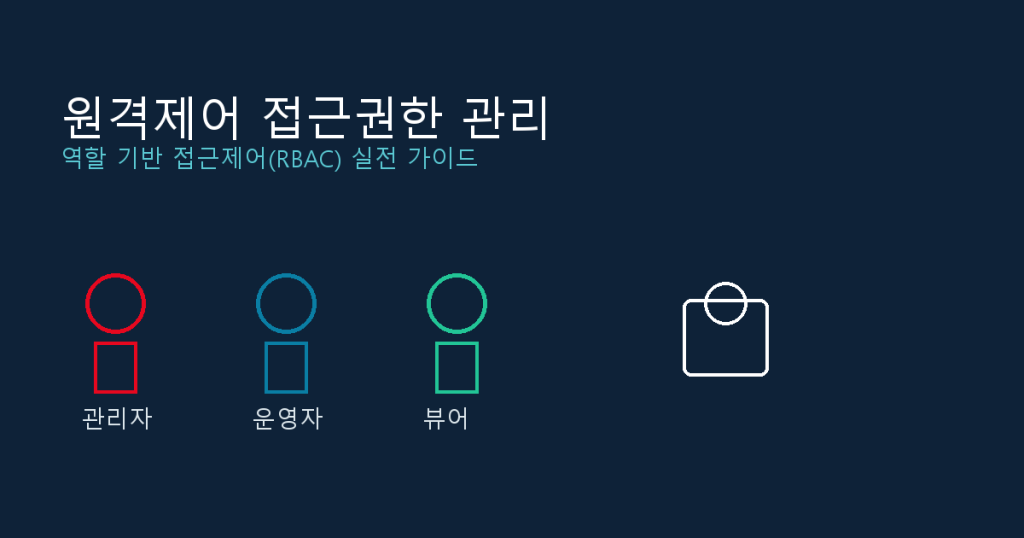
Access Control for Remote Support Tools: A Practical Guide to Role-Based Permissions
A practical guide to designing role-based access control (RBAC) for remote support tools, with a checklist you can apply by team size.
A practical guide to designing role-based access control (RBAC) for remote support tools, with a checklist you can apply by team size.
원격제어 도구의 접근 권한을 역할 기반(RBAC)으로 설계하는 방법과, 팀 규모별로 적용할 수 있는 실전 체크리스트를 정리합니다.
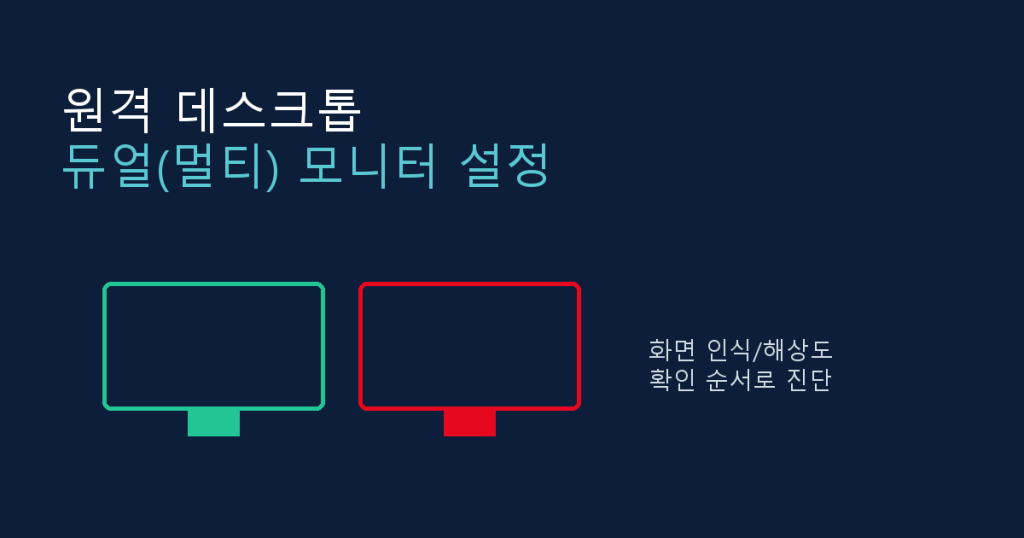
When a remote desktop session only shows one monitor or the display looks wrong, the cause could be client settings, resolution mismatches, or an unrecognized graphics card. Here’s how to diagnose and fix each case.
원격 데스크톱에서 모니터가 하나만 뜨거나 화면이 깨질 때, 클라이언트 설정부터 해상도·그래픽카드 문제까지 원인별로 확인하고 해결하는 방법을 정리합니다.
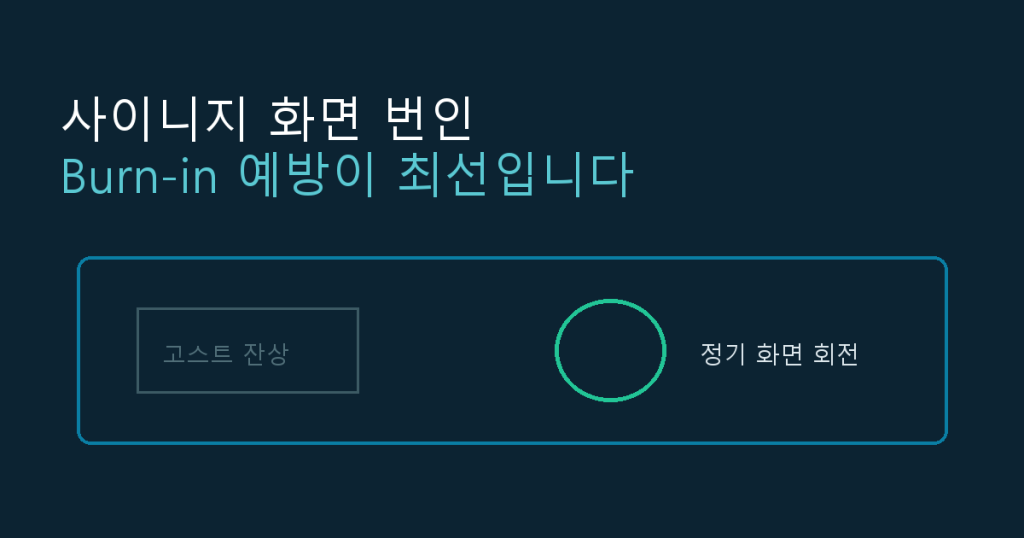
Why ghost images of logos or menu borders linger on signage screens, and how content rotation and power settings prevent burn-in.
디지털 사이니지 화면에 로고나 메뉴판 테두리 잔상이 남는 번인(burn-in) 현상의 원인과, 화면 회전·절전 설정 등 예방법을 정리합니다.
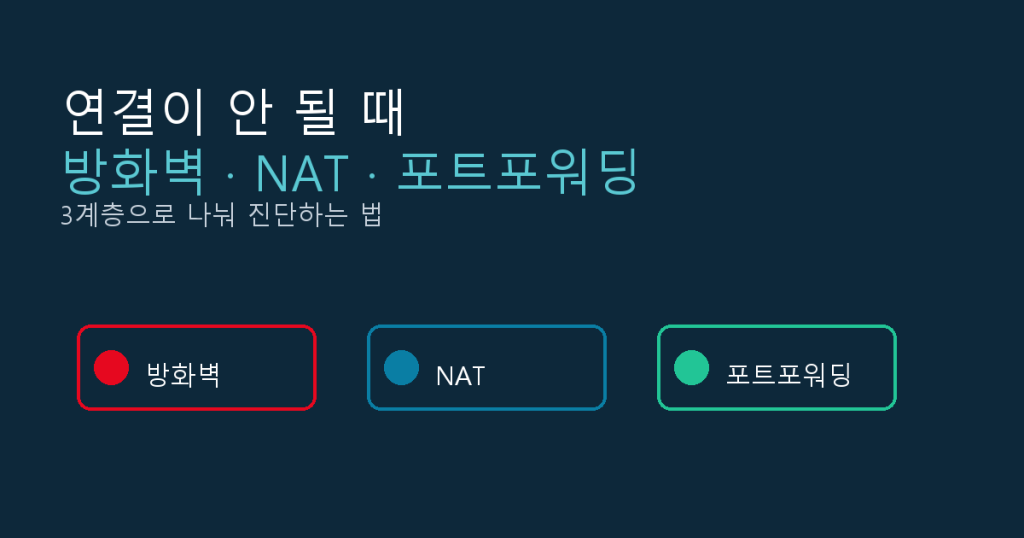
A layer-by-layer guide to diagnosing remote support connection failures across firewall, NAT, and port forwarding issues.
원격지원 연결 오류의 원인을 방화벽, NAT, 포트포워딩 세 계층으로 나눠 진단하고, 계층별 확인 방법과 해결 순서를 정리합니다.
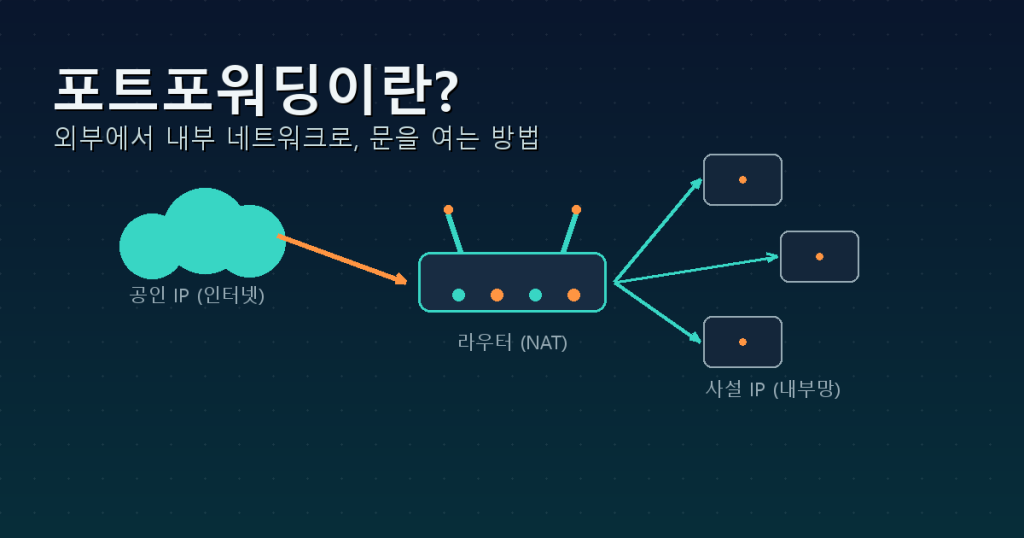
A plain-language guide to port forwarding: what NAT and public/private IPs mean, why it’s needed, how to configure your router, and key security precautions to follow.