
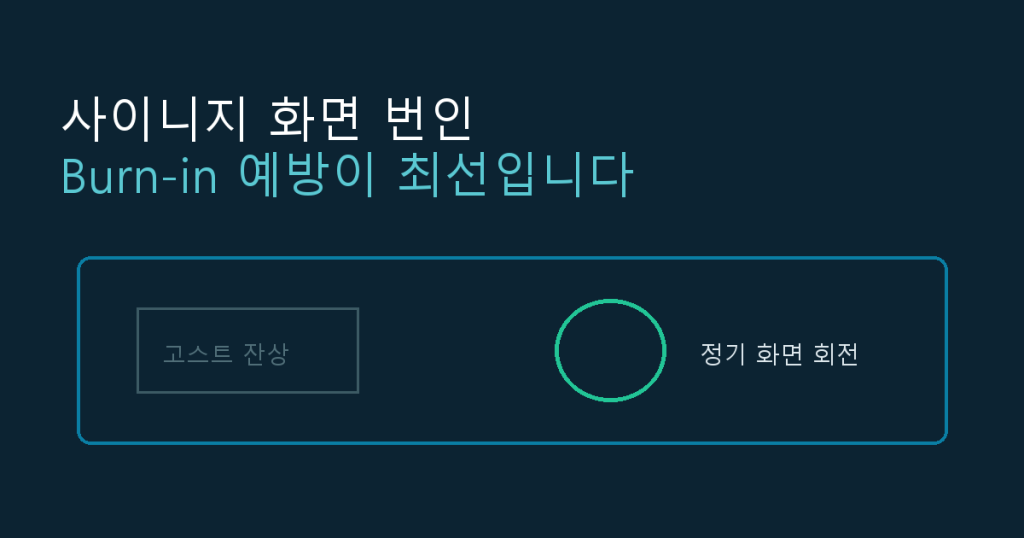
If you’ve ever noticed a faint ghost of a logo or menu border still visible on a signage screen even after the content changes, that’s burn-in. Digital signage runs the same layout for hours a day, often for months at a stretch, which makes it far more prone to burn-in than a regular TV or monitor. Once the mark sets in, it’s nearly impossible to fully reverse, so prevention during day-to-day operation is far more effective than trying to fix it afterward. This post covers why burn-in happens and how to prevent it through content design, display settings, and operating schedules.
1. Why Burn-In Happens
Burn-in occurs when specific pixels are exposed to the same color and brightness for extended periods, aging differently from surrounding pixels and leaving a ghost of the previous image behind. Conditions that make signage especially prone to it include:
- Static elements — a logo, a price list, a fixed banner — sitting in the same spot on screen continuously
- Brightness and contrast set higher than necessary for the environment
- The same layout playing on loop for weeks or months with little to no variation
- Screens left on 24/7 even outside business hours
2. Prevent It Through Content Design
The most fundamental fix is minimizing static elements on screen.
- Reduce fixed UI elements: keep logos or bottom banners to a minimum, and if they’re required, apply pixel shifting — nudging their position by a few pixels on a regular interval.
- Rotate content: avoid holding the same layout for long stretches. Cycle through multiple pieces of content, or mix in video and animation where the entire screen keeps moving.
- Avoid high-contrast static images: dark text locked onto a bright, unchanging background is especially risky. Vary the background color periodically or add motion elements instead.
3. Prevent It Through Display Settings
- Lower brightness and contrast: set the minimum brightness that still works for the ambient light in the space. Dropping brightness by even 20-30% meaningfully slows pixel aging.
- Use commercial-grade signage displays: unlike consumer TVs, commercial signage panels are built for long static-content runtimes and often include built-in burn-in mitigation like pixel shifting and panel cooling.
- Enable screensaver or screen-protection features: during idle periods with no content scheduled, switch the screen to black or a moving pattern instead of leaving a static frame up.
4. Prevent It Through Operating Schedules
If there’s no reason to keep a screen on around the clock, powering it off outside business hours is the single most reliable safeguard. Scheduling automatic power on/off through a signage CMS or remote management tool — timed to each location’s open and close hours — cuts unnecessary runtime without requiring anyone to physically flip a switch. For multi-location operations where hours vary by site, a tool that lets you manage schedules centrally saves a lot of manual coordination.
5. If Burn-In Has Already Set In
Burn-in is usually permanent pixel wear, so full removal isn’t realistic, but for mild cases these can help:
- Playing a plain white or bright solid-color screen for several hours to even out the difference between the affected pixels and their neighbors
- Running the pixel-refresh function built into some commercial displays
- For severe cases, panel replacement is often the only real fix — which is exactly why prevention is the only reliable long-term strategy
6. Burn-In Prevention Checklist
| Area | What to check |
|---|---|
| Content | Are static elements minimized, with content rotated or refreshed regularly? |
| Brightness | Is brightness set no higher than the space actually needs? |
| Display | Is the hardware a commercial-grade panel rated for long static runtimes? |
| Schedule | Are screens set to power off automatically outside business hours? |
| Monitoring | Is screen condition checked remotely on a regular basis? |
Burn-in prevention only works when content design, display settings, and operating schedules all work together. Manually powering screens on and off across multiple locations isn’t realistic at scale, so managing power scheduling and content rotation together through a signage CMS is usually the most effective way to cut burn-in risk while extending display lifespan.
For store signage operations at scale, a platform like Y-Board that handles content and power remotely can help.