
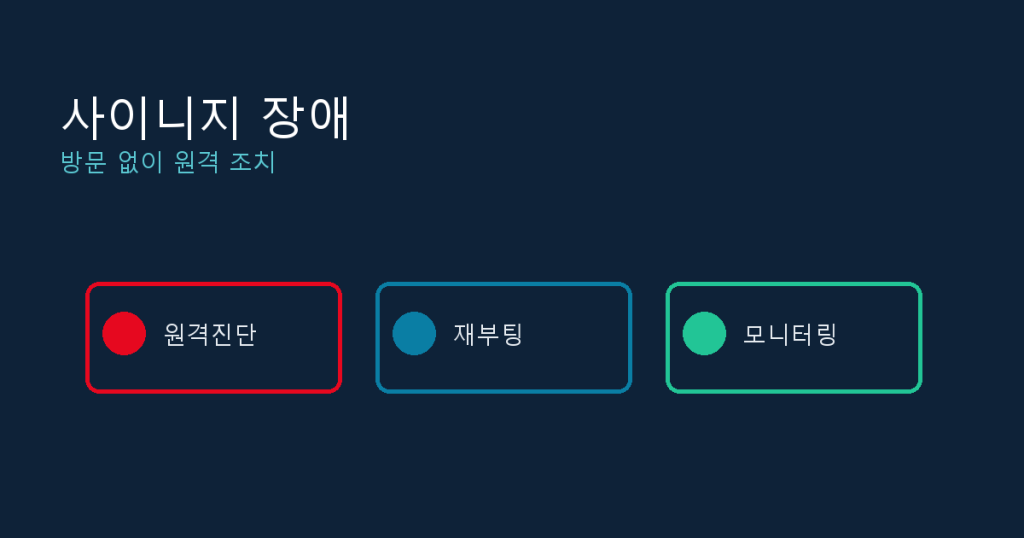
When a storefront or lobby display suddenly goes black or freezes, the instinct is to dispatch someone on-site immediately. In practice, though, a large share of signage incidents turn out to be network drops, a frozen player, or a failed content sync, all things you can fix remotely. Building a habit of trying remote fixes first, before scheduling a visit, saves both truck-roll costs and downtime at the location.
Why remote-first beats visit-first for signage incidents
If you run signage across multiple locations, every dispatched visit costs travel time and labor, and the screen typically stays dark the whole time. Meanwhile, many issues resolve with nothing more than a status check and a reboot or resync command from your content management system (CMS). The rule of thumb is simple: spend five minutes on remote diagnosis before deciding whether a visit is even necessary. Writing this into the store operations manual keeps response speed consistent even as staff changes.
What you need in place before an incident happens
To actually act remotely when something breaks, a few things need to already be set up:
- The CMS shows each device status (online or offline) and last check-in time
- The player (set-top box, mini PC, or smart TV app) supports remote reboot and restart commands
- Remote power control (smart plug, PoE switch) for cases where the device is fully unresponsive
- Automatic alerts when a device stays offline past a threshold
- Store network contact info saved in the device notes inside the CMS
Missing any one of these turns a diagnosable problem into one you can see but cannot touch. Treat this as a go-live checklist for every new location.
Triaging by symptom before you act
Classifying the symptom first tells you quickly how likely a remote fix is to work.
| Symptom | First check | Odds a remote fix works |
|---|---|---|
| Screen fully black | Is the device showing online in the CMS? | High, if online, likely a display power or input issue |
| No signal / HDMI message | Send a remote reboot, then recheck | Medium to high, unless it is a loose or damaged cable |
| Content stuck on old screen | Check last sync time and playlist deployment status | High, force a resync |
| Player unresponsive (offline) | Check whether remote power control is set up | Low to medium, depends entirely on power control |
| Intermittent network drops | Check reconnect frequency in the CMS logs | Low for a full fix, often needs an on-site network check |
The remote fix checklist
Once CMS access is confirmed, work through these steps in order:
- Check the device online status and last check-in time in the dashboard
- If online, send a remote reboot command and recheck after 1-2 minutes
- If content looks stale, force a playlist redeploy or resync
- Update the player app or firmware to rule out a known bug
- If the symptom persists, pull the device logs and check for an error code
- If offline and remote power control is available, cut power fully and bring it back
Most screen-frozen or content-will-not-update tickets resolve at steps 2 through 4.
Signs that mean you should stop troubleshooting remotely and dispatch a visit
- The device stays fully unresponsive even after a remote power-cycle command
- Physical screen damage is reported, cracks, discoloration, or banding
- The device works briefly after a reboot but the same error keeps recurring
- The store network gear itself (router or switch) is unresponsive
Logging incidents to prevent repeats
Fixing an incident once and moving on wastes the chance to speed up the next response. Keep a record per device, offline timestamp, action taken, recovery timestamp, either in CMS notes or a shared sheet. If the same device keeps failing, move it up the hardware-replacement priority list. Setting an alert threshold, for example 10 minutes offline, also allows action before a customer even notices or complains.
dispy and Y-Board are built to show every signage device online status and last sync time in a single dashboard, with reboot and content resync actions executable remotely with one click. For teams running signage across multiple locations who want to cut down on dispatched visits, a CMS with this level of remote control is the most practical way to get there.
If you manage multiple signage displays or kiosks, take a look at Y-Board, a cloud-based signage CMS.