

Remote Support Won’t Connect? How to Tell Firewall, NAT, and Port Forwarding Issues Apart
A layer-by-layer guide to diagnosing remote support connection failures across firewall, NAT, and port forwarding issues.
A layer-by-layer guide to diagnosing remote support connection failures across firewall, NAT, and port forwarding issues.
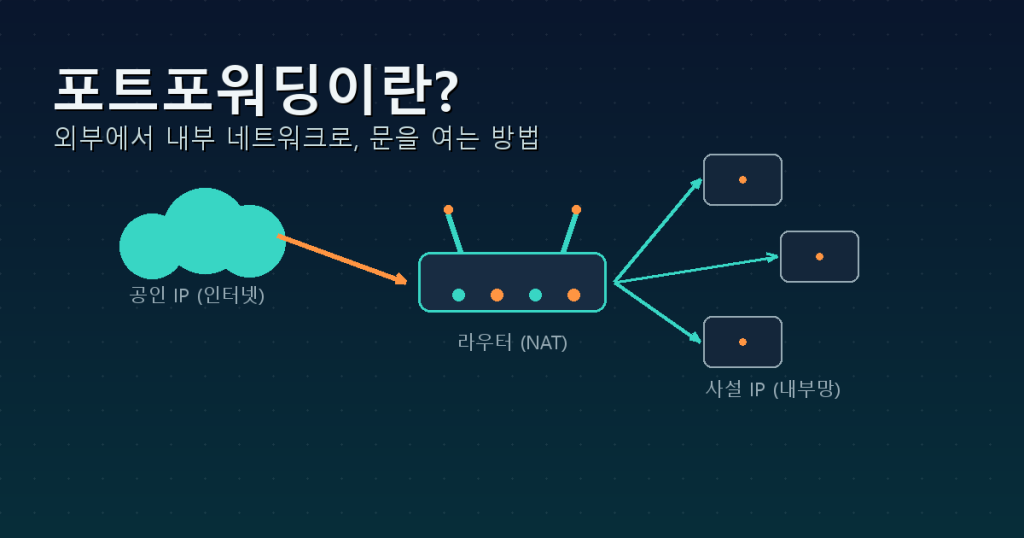
A plain-language guide to port forwarding: what NAT and public/private IPs mean, why it’s needed, how to configure your router, and key security precautions to follow.

To reach Remote Desktop from outside your network, forward port 3389 on your router to your PC’s internal IP. Here’s a beginner-friendly 5-step setup, plus the security precautions you shouldn’t skip.