

Remote Desktop Connection Errors: A Stage-by-Stage Troubleshooting Guide
A stage-by-stage guide to Remote Desktop errors: diagnose whether the failure is in connection, authentication, or session, then fix it in order.
A stage-by-stage guide to Remote Desktop errors: diagnose whether the failure is in connection, authentication, or session, then fix it in order.
원격 데스크톱 연결 오류를 연결·인증·세션 세 단계로 나눠, 어느 단계에서 막혔는지부터 진단하는 순서와 해결 방법을 정리합니다.
When a remote desktop session only shows one monitor or the display looks wrong, the cause could be client settings, resolution mismatches, or an unrecognized graphics card. Here’s how to diagnose and fix each case.
원격 데스크톱에서 모니터가 하나만 뜨거나 화면이 깨질 때, 클라이언트 설정부터 해상도·그래픽카드 문제까지 원인별로 확인하고 해결하는 방법을 정리합니다.
Internet-exposed RDP ports are a favorite ransomware entry point. Here’s the commonly documented attack chain — scanning, brute force, stolen credentials — and how to actually defend against it.
인터넷에 노출된 RDP 포트가 왜 공격자의 주요 표적이 되는지, 스캐닝부터 무차별 대입 공격, 탈취 자격증명 거래로 이어지는 일반적인 침투 흐름과 실무 방어법을 정리했습니다.

Copy-paste failing over a remote desktop session is almost always a clipboard sync issue. Here’s the fast fix, plus what to check if reconnecting doesn’t help.
원격 데스크톱에서 복사·붙여넣기가 갑자기 안 될 때 흔히 나타나는 원인과, 재접속이나 클립보드 프로세스 재시작만으로 바로 해결하는 방법을 단계별로 정리했습니다. 그래도 안 될 때 확인할 점도 함께 소개합니다.
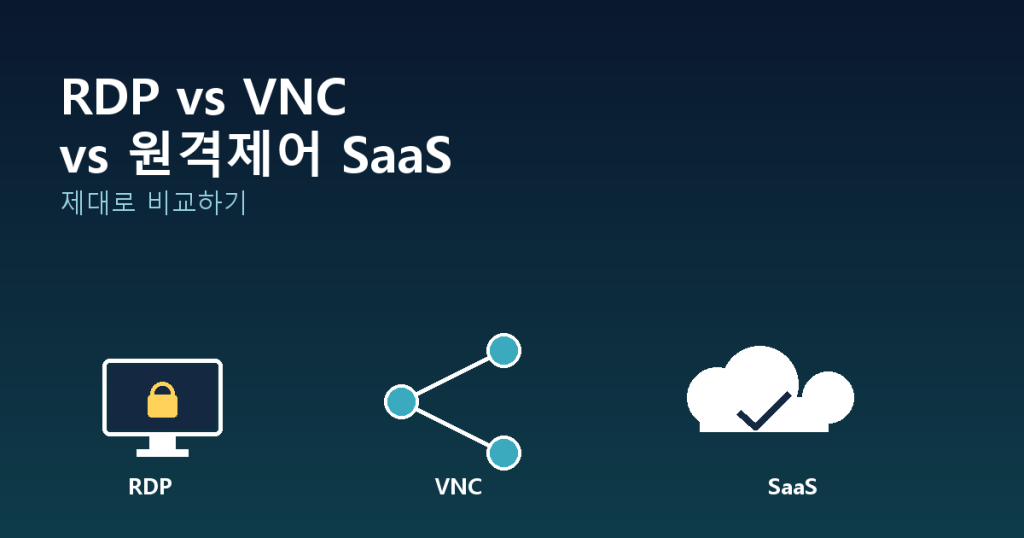
원격으로 다른 컴퓨터에 접속해야 하는 상황이라면 가장 먼저 마주치는 질문이 있습니다. “RDP를 쓸까, VNC를 쓸까, 아니면 원격제어 SaaS를 도입할까?” 세 […]