
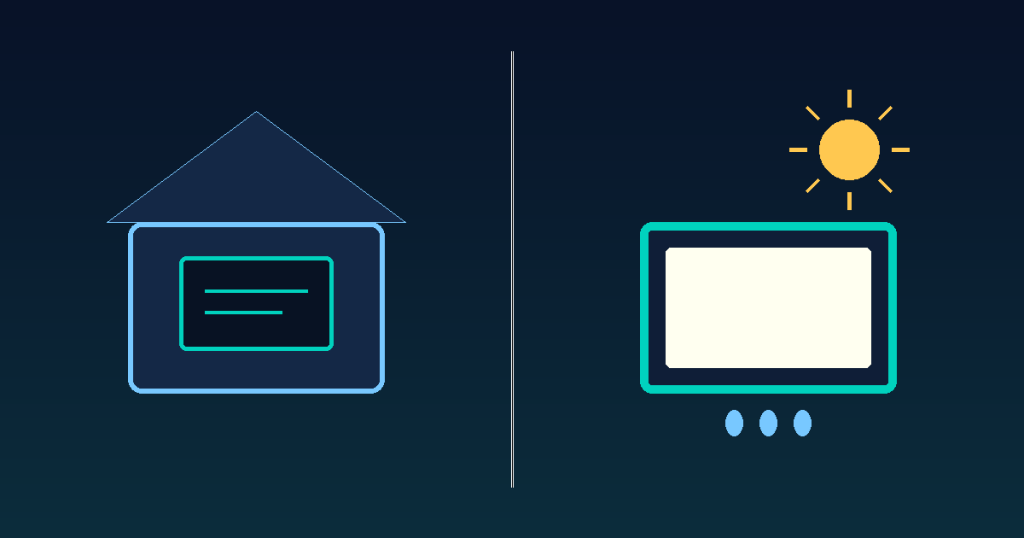
Indoor and outdoor digital signage differ in three main ways: brightness (measured in nits), water and dust resistance (IP rating), and how they handle viewing angle and glare. Install an indoor panel outside and it’ll wash out completely in direct sunlight — and a few rainstorms may be enough to kill it.
Brightness: Nits Aren’t the Same Indoors and Out
Indoor spaces have consistent lighting, so 350–500 nits is plenty for a sharp, readable screen. Outdoors, where direct sunlight hits the panel, you typically need 2,500–5,000 nits or more at midday just to keep the image from washing out. A display labeled “outdoor” but rated under 1,000 nits should really be treated as shaded-area-only — under an awning, not in open sun.
IP Rating: Water and Dust Resistance
Most indoor units have no formal IP rating, or sit around IP20 — enough for dust and light humidity, nothing more. Outdoor units should carry at least IP65 (fully dust-tight, protected against water jets), and IP66 is worth checking for units near roads or in heavy weather. Also check that vents and cable entry points are sealed, not just the front bezel.
Viewing Angle and Glare
Indoors, viewing distance and angle stay fairly predictable, so a standard viewing angle (around 178° horizontal) is usually enough. Outdoors, people and vehicles view the screen from many more angles, and evening reflections become a real problem — so anti-glare coating, a wide viewing angle, and an automatic brightness sensor are close to non-negotiable.
Indoor vs Outdoor at a Glance
| Indoor | Outdoor | |
|---|---|---|
| Recommended brightness | 350–500 nits | 2,500–5,000+ nits |
| IP rating | ~IP20 (optional) | IP65 or higher |
| Operating temperature | ~0–40°C | Must handle -20–50°C |
| Viewing angle / glare | Standard angle is fine | Anti-glare coating + auto-brightness required |
| Typical placement | Store interior, office lobby | Storefront facade, outdoor billboard, parking area |
What Operations Teams Often Miss
Specs matter, but day-to-day operations matter just as much. Outdoor signage sees far more temperature swings and direct sun exposure, which means screens go dark or need a reboot more often than indoor units do. If you’re running signage across multiple stores, being able to check each screen’s status remotely — and reboot or redeploy content the moment something goes wrong — ends up mattering as much as the hardware spec sheet.
For easier remote management of store displays, consider a signage CMS like Y-Board.